Why is my astro photo just black?
In most cases, because it hasn't been stretched yet — your camera very likely recorded real light, it's just sitting invisible near the dark end of the brightness scale until something pulls it out. A smaller number of black frames really are empty. Here's how to tell which one you've got in under a minute.
By Skai · Updated 2026-08-12
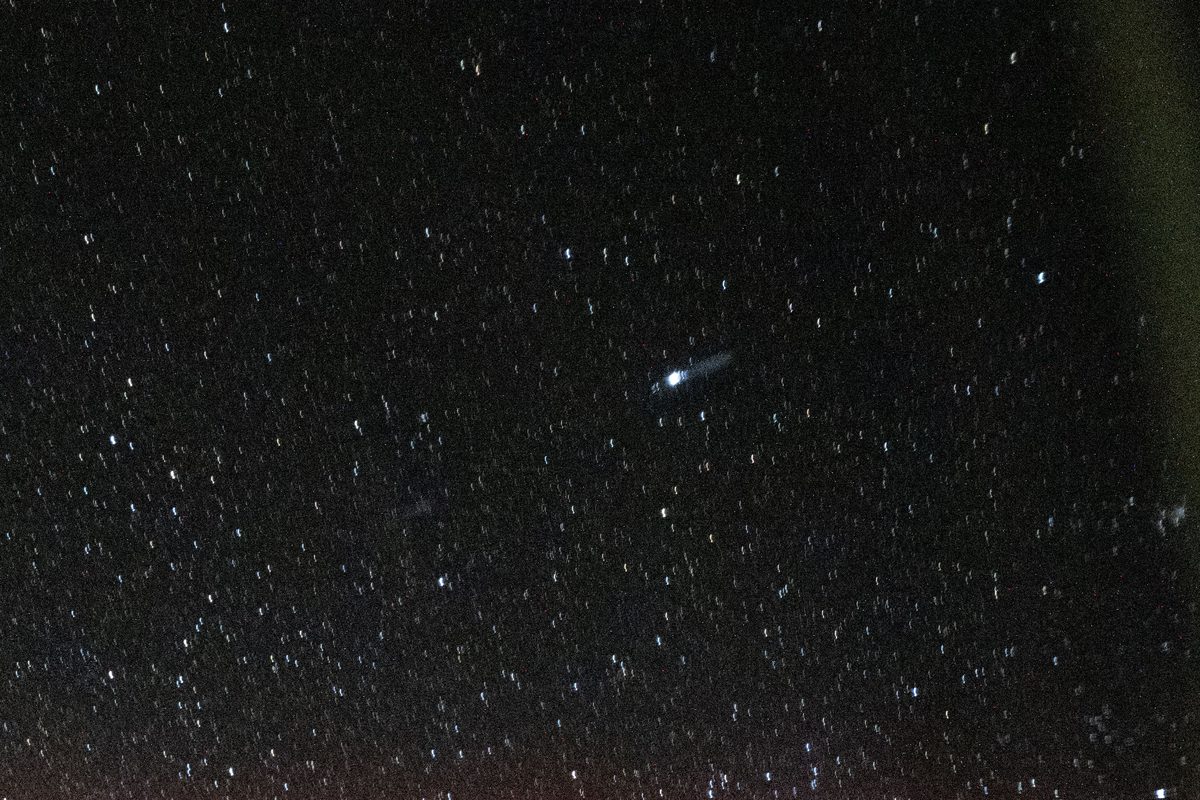
A single unstretched capture like this can look almost entirely black even though real signal is sitting in the data. Photo: NASA
A galaxy or nebula's real light is a tiny sliver of what a camera sensor can record — often a difference of only a handful of brightness values out of thousands. Viewed at the file's default brightness curve, that sliver is invisible, buried under black. Stretching (remapping the image's brightness values so that faint signal gets spread out into a range your eye can actually see) is the step that turns a black-looking frame into a visible nebula or galaxy. Skip it, and even a perfectly good exposure looks like nothing.
There is a real way to tell these apart, and it takes one step
Open the file in free software (Siril, GIMP, or even a phone editor) and push the brightness or "levels" slider up hard, or hit an auto-stretch button. What happens next tells you which case you're in.
If stretching reveals shapes, haze, or a nebula — the data was fine all along
This is the most common outcome. If pushing the brightness up shows a hazy shape, color, or stars that suddenly gain visible size and structure, your exposure captured real signal — it was simply displayed at the wrong curve. This applies to a single raw sub as much as a finished stack: one frame is supposed to look near-black before stretching, that's completely normal, not a sign of failure.
If stretching hard shows only grainy static, no shapes — the exposure was too thin
If an aggressive stretch pulls up nothing but noise with no hint of structure, that points to underexposure: too short a shutter speed, too low an ISO or gain setting, or too few frames combined for how faint the target actually is. This is a settings-and-reshoot problem, not a processing one — no amount of stretching manufactures signal that was never recorded in the first place.
If it stays completely flat black under any stretch — the frame has zero data
A small number of black frames are genuinely empty: a lens cap left on, the wrong exposure mode selected, a shutter that never actually opened, or the target framed entirely outside the field of view. These stay flat black with no texture at all, even under a brutal stretch, because there's nothing there to pull out. Check the obvious things first — cap off, correct mode, target actually centered — before assuming anything more complicated.
One honest caveat: a very faint but real signal and a truly empty frame can look almost identical after a light stretch. If you're not confident which bucket a specific image falls into, that uncertainty is real and worth resolving before you decide whether to reshoot.
Not sure if your file has real data in it?
The free diagnosis tool checks your image and tells you, in plain language, whether it's unstretched, underexposed, or empty.
Diagnose my image, free